
Choosing risk management software starts with the questions your organisation needs to answer. Which risks threaten your objectives? Who owns them? What evidence supports the controls? Which actions and decisions need management or board attention?
For teams responsible for audit and assurance, a useful system connects those questions. A digital register is a starting point; the selection process should also examine how people review controls, follow up findings and prepare reports.
When a spreadsheet is becoming difficult to manage
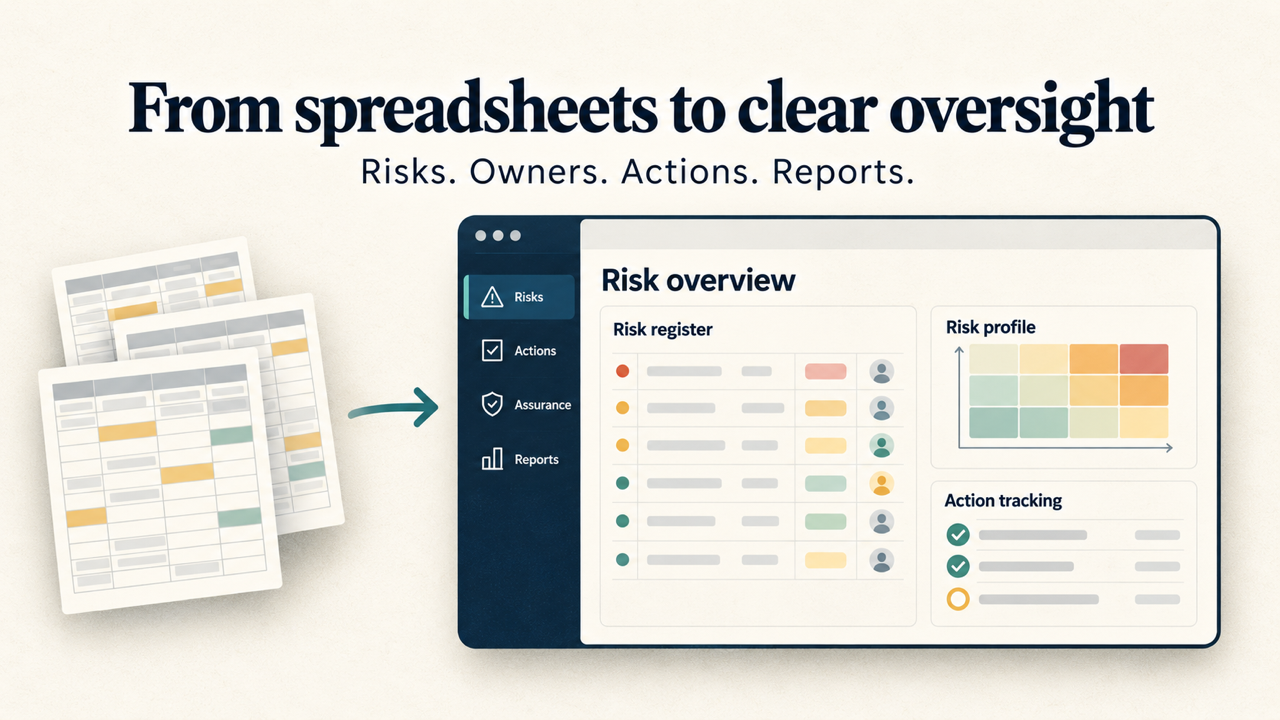
A spreadsheet can be a practical starting point for a small register. The difficulty often grows when several teams maintain different copies, action updates sit in emails or reporting requires repeated manual reconciliation.
Before comparing products, identify the work you need to improve. This might include assigning responsibility, applying consistent ratings, finding overdue reviews or compiling a current report for an audit committee.
Agree a short list of requirements with risk owners, administrators and the people who use the reports. Their needs should shape the demonstration.
What to look for in a shared risk register
Ask a provider to show how a risk moves through your risk management process, using an example from your organisation. Check whether the system can record:
- The objective, cause and potential consequences of a risk.
- A named owner and the teams involved.
- Likelihood and impact ratings using your definitions.
- Existing controls and supporting documents.
- Further actions, responsible people and due dates.
- Current exposure, review dates and changes over time.
Also examine permissions and how people find the information relevant to their role. A register that is difficult to update is less likely to reflect the current position, regardless of how detailed its dashboard appears.
How should risk software support audit and assurance?
Risk assessment can help inform risk-based internal audit planning, while audit findings can challenge the assumptions behind a risk rating. A useful workflow allows teams to understand those connections.
During a demonstration, ask how you would record a control weakness, assign the agreed action and see whether the risk assessment needs to change. Check how supporting evidence can be made available to those reviewing it.
Be precise about what “audit and risk management software” means for your team. If you need audit scheduling, working papers or a full engagement workflow, ask the provider to demonstrate those functions. Support for risk registers and audit recommendations alone does not establish that a system meets every internal audit requirement.
Track actions through to review
Look beyond a list of completed tasks. Can reviewers see what was agreed, who owns it, when it is due and what supports closure? Can overdue actions be reported without assembling a separate spreadsheet?
Agree your own closure process too. Marking an action complete should prompt the appropriate review of its evidence and the remaining exposure.
Keep policies and supporting evidence accessible
A linked policy or procedure can explain how a control is intended to work. Teams also need to consider how they will record evidence of its operation, how documents are updated and who can access them.
Ask about document handling, review history and any audit trail you require. Confirm the details for the product and plan being considered.
Test the reports your board needs
Use an actual reporting requirement rather than judging dashboards in isolation. Ask the provider to prepare a view of significant risks, changed ratings, overdue actions and matters requiring a decision.
Review whether the output explains the position clearly: what has changed, why it matters, what management is doing and where assurance is missing. Check the available filters and export formats against your meeting process.
A report is only as current as its source records. Agree who updates each risk and when those updates are reviewed before a board or committee meeting.
A practical selection checklist
Use the same questions when comparing providers:
- Fit: Can the system support your risk definitions, ownership structure and reporting needs?
- Usability: Can a risk owner update a record and an action without extensive administration?
- Assurance: Can reviewers connect risks, controls, evidence and outstanding actions?
- Access and data: Do permissions, hosting arrangements and export options meet your requirements?
- Implementation: What is involved in cleaning, importing and checking your existing records?
- Cost and support: What do the quoted price, onboarding and ongoing support include?
Request a demonstration using representative records, with sensitive information removed. Include the people who will maintain the register and those who depend on its reports.
Put the software into use
Assign responsibility for the register, agree a review timetable and explain what a good risk entry looks like. Start with clear records and a manageable reporting routine, then refine them as teams use the system.
RiskMate brings together risk tracking, incident records, policies and built-in reporting. Explore its risk management features or request an online demo to see how it would fit your organisation’s workflow.